



Description

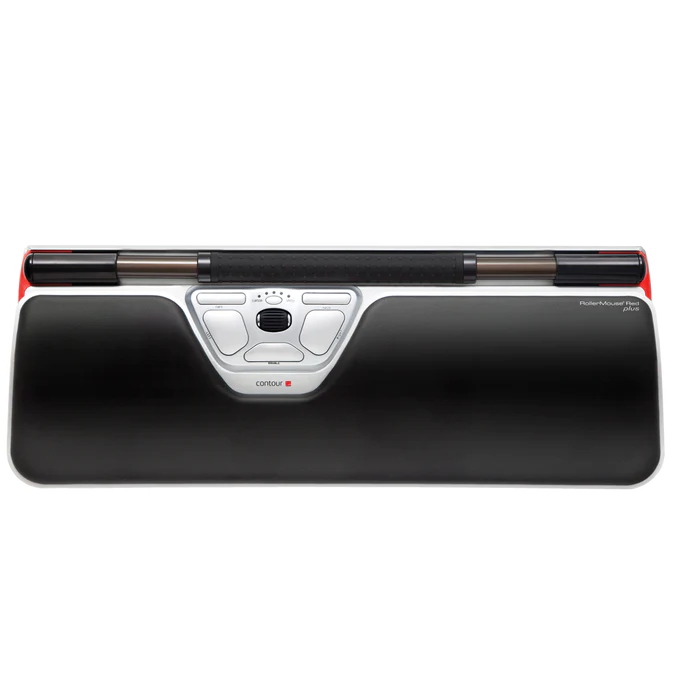
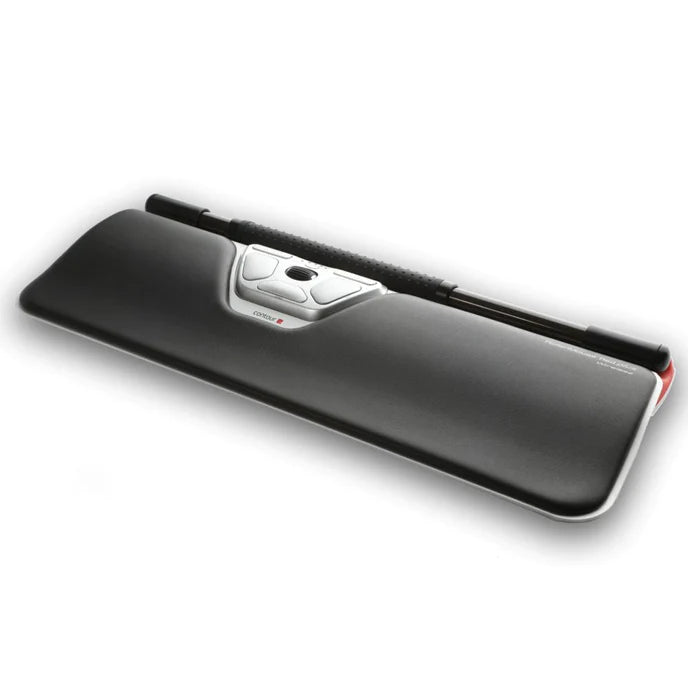
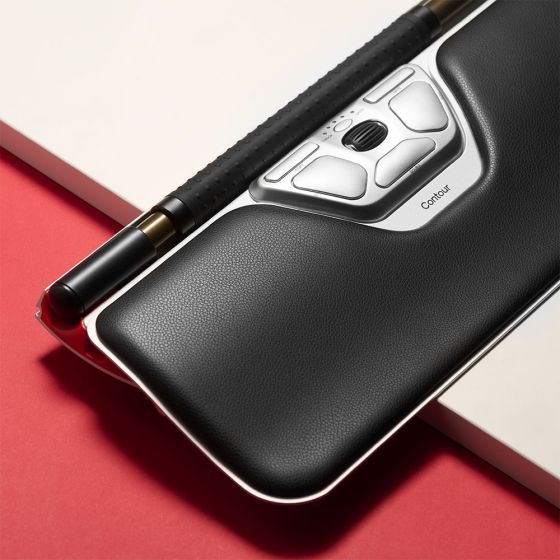
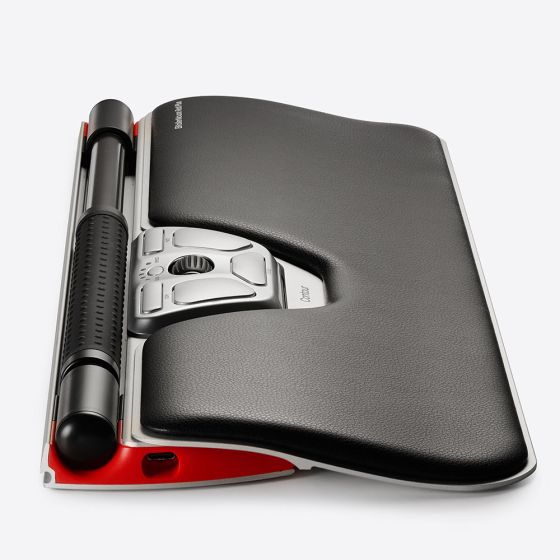
RollerMouse Red Plus offers superior benefits, with greater palm support and a longer, smoother transition to the RollerMouse and keyboard. Its larger size encourages better posture and improved comfort for those with larger hands and longer fingers.
*Video displays the wireless version please note this product is wired.
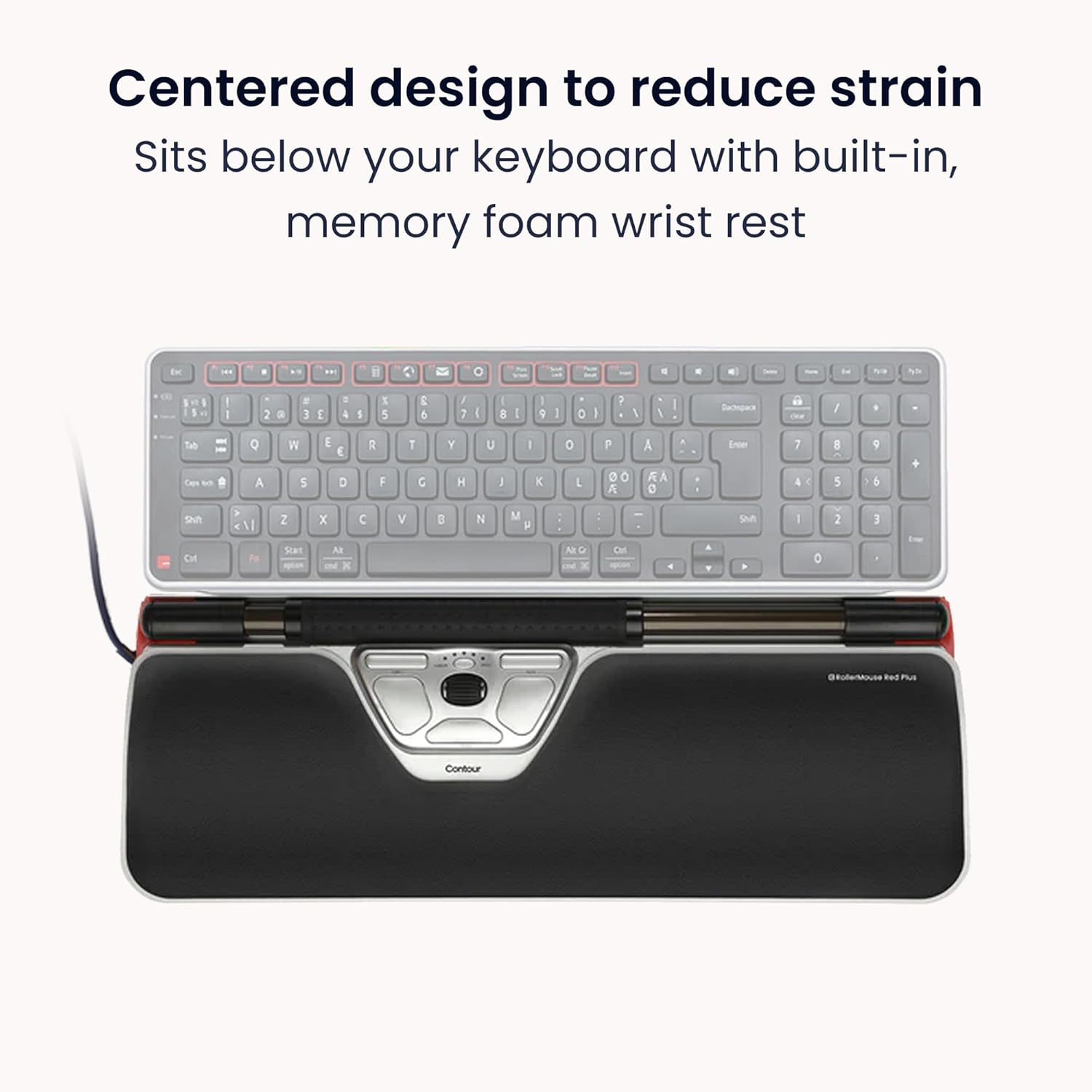
The Contour RollerMouse is a centrally positioned pointing device designed to keep cursor control directly in front of the keyboard, eliminating the need to reach for a traditional mouse. This inline placement supports a more natural working posture and helps reduce strain on the hands, arms, shoulders, and neck.
Controlled via a smooth, fingertip-operated rollerbar, the RollerMouse delivers precise cursor movement with minimal effort. Integrated buttons and scrolling functions sit comfortably within reach, while the open-handed design removes the need for gripping. Durable, ambidextrous, and ideal for long workdays or multi-monitor setups, the Contour RollerMouse is a comfortable and efficient alternative to the traditional mouse.

Whats the difference between the Contour Roller Mouse Red and the Red Plus?
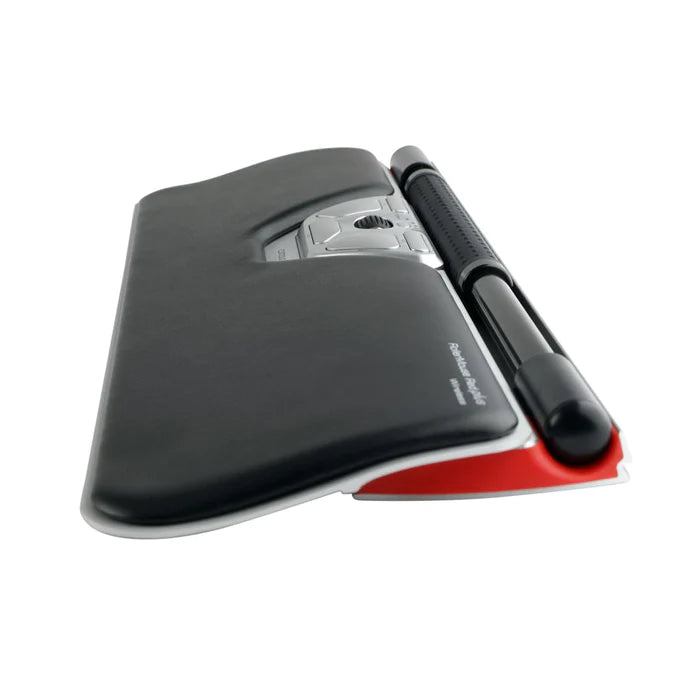
Key difference between the RollerMouse Red and RollerMouse Red Plus lies in the palm support. The Red Plus features a deeper, leatherette-covered palm rest that provides enhanced support and is best suited to users with larger hands or longer fingers. The standard RollerMouse Red includes a slimmer palm rest that fits comfortably in most workspaces.
Both models deliver the same core ergonomic performance, using the centrally positioned rollerbar for precise cursor control. The added depth of the Red Plus moves the rollerbar and keyboard slightly further away from the user, requiring additional desk space and working best when paired with a low-profile keyboard to maintain an optimal posture.

Ergonomic Benefits
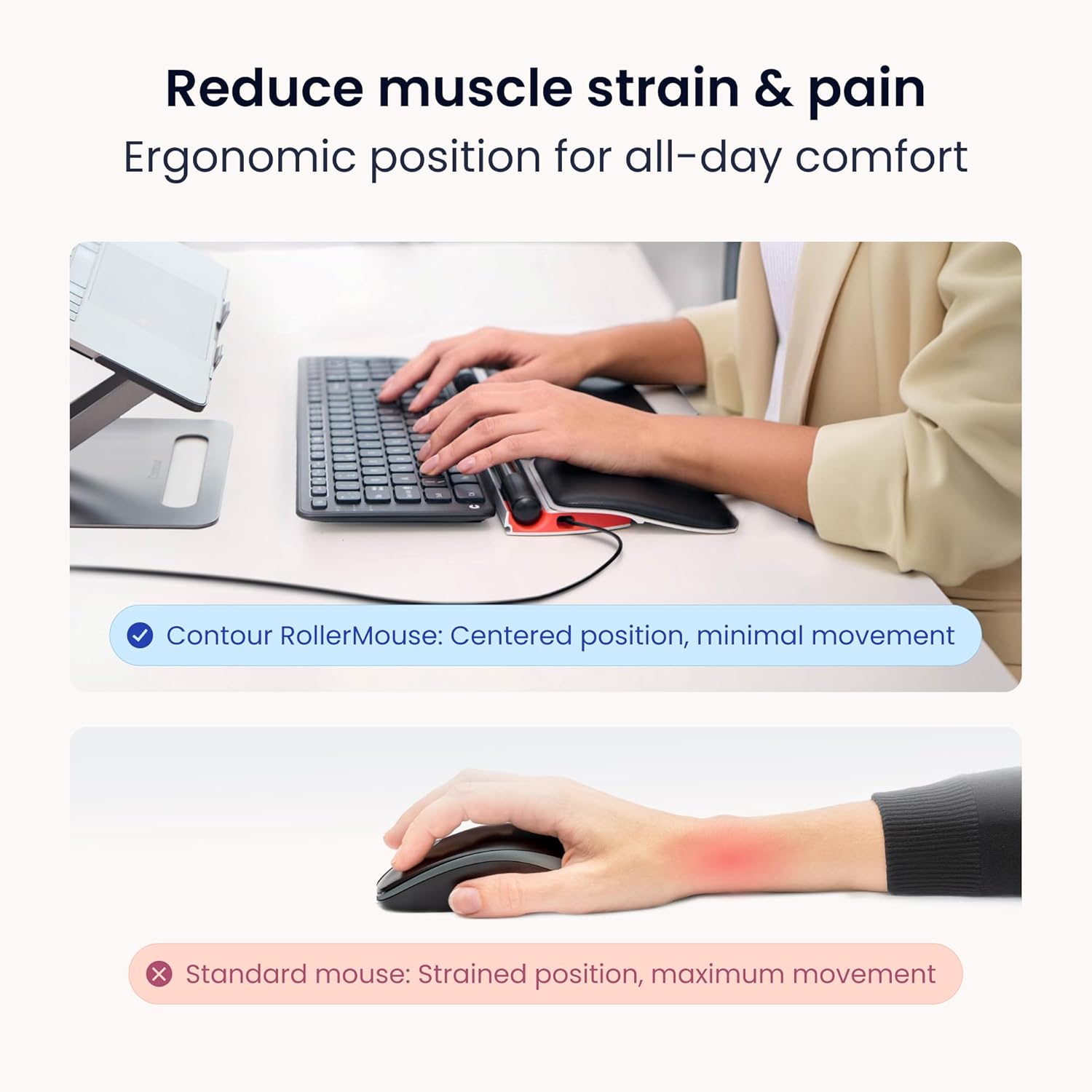
The Contour RollerMouse Red is designed to keep your hands, arms, and shoulders in a natural, relaxed working position throughout the day. By placing the pointing device directly in front of the keyboard, it removes many of the strain-causing movements associated with a traditional mouse.
Keeps Hands in the Comfort Zone
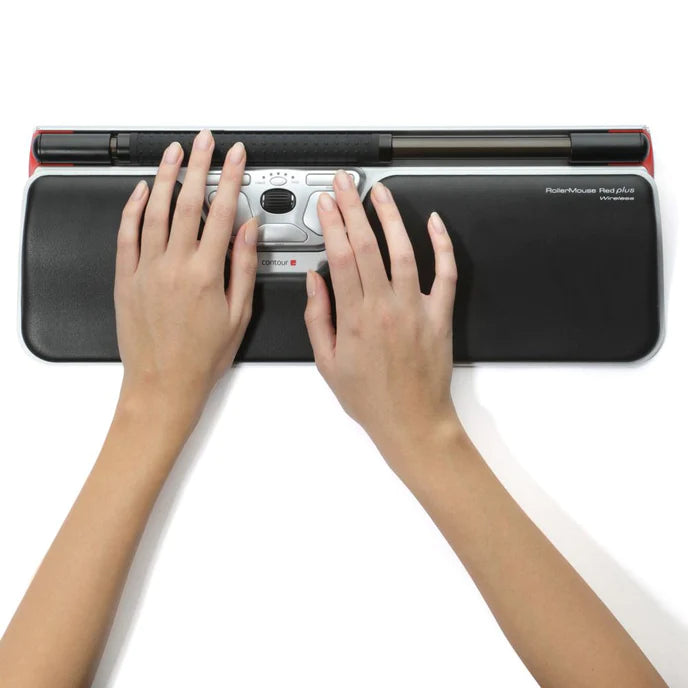
Unlike a conventional mouse that requires reaching to the side of the keyboard, the RollerMouse Red sits centrally, directly below the space bar. This inline position allows your elbows to stay close to your body, reducing overreaching and helping to relieve neck, shoulder, and elbow strain caused by asymmetrical arm movement.
No Gripping or Clutching
Cursor control is achieved using an open, relaxed hand and gently curved fingertips. There’s no need to grip or hold the device, which helps reduce muscle tension and avoids unnecessary pressure through the wrist and carpal tunnel. The large, textured rollerbar moves smoothly with minimal effort for precise cursor control.
Ambidextrous by Design
Because the RollerMouse Red is centrally positioned, it can be used equally well with either hand. This encourages natural hand alternation and helps distribute workload across both sides of the body rather than overloading one dominant hand.
Reduces Repetitive Finger Strain
Clicking can be performed using any finger on either hand, spreading the workload across multiple fingers. This helps reduce repetitive strain on a single finger, lowering the risk of discomfort or conditions such as trigger finger.
Minimises Unnecessary Movements
Integrated one-touch buttons for functions like copy, paste, and double-click reduce excessive cursor travel, repeated clicking, and awkward keyboard stretches. The result is smoother, more efficient workflows with fewer strain-inducing movements.
Supports Long Term Comfort
Features such as adjustable click force, customizable buttons, optional palm support depth, and adjustable keyboard risers allow the RollerMouse Red to be tailored to individual needs. These adjustments help maintain a neutral posture and support comfort during extended periods of computer use.
Key Features
-
Advanced Rollerbar Cursor Control
Large, textured rollerbar with built-in sensors enables smooth vertical and horizontal cursor movement using fingertip rotation and sliding, delivering precise and effortless control. -
Large Diameter Textured Rollerbar
The 0.8" wide rollerbar features raised tactile bumps for enhanced grip, accuracy, and fine cursor control. -
Adjustable Cursor Speed (600–2800 DPI)
Ten selectable speed settings make it easy to switch between precise control and fast movement across multi-monitor setups. -
Percussion-Free, Adjustable Clicking
Virtual clicking provides tactile feedback without mechanical impact. Click force and audible feedback can be adjusted or fully disabled to suit personal preference. -
Eight Programmable Buttons
Includes left and right click, scroll wheel, double-click, copy, paste, cursor speed control, and middle click or auto-scroll for efficient workflows. -
Durable Aluminum Housing
Solid aluminum construction ensures stability and rigidity, maintaining smooth rollerbar performance even on uneven surfaces. -
Detachable Padded Palm Support
Cushioned palm support reduces wrist strain and can be removed when space is limited or a firmer surface is preferred. -
Keyboard Lifters Included
Adjustable keyboard risers allow flat or negative tilt positioning to improve typing comfort with most standard keyboards. -
Plug & Play with Customisation Options
USB plug-and-play compatibility for Windows and macOS, with optional software for button customisation and advanced control.
Specifications:
| Connectivity: | USB-A (Wired) |
| Number of Buttons: | 7 Buttons (6 Programmable with driver) |
| DPI Settings: | 600, 800, 1000, 1200, 1400, 1600, 1800, 2000, 2400, 2800 |
| Operating Systems: | Windows & OSX |
| Plug and Play: | Yes, driver not required for function |
| Roller Bar Width: | 30cm |
| Dimensions: | Width: 42cm, Height: 2.3cm, Depth: 11.5cm |
| Wrist Rest Depth: | 13cm |
| Weight: | 1.06kg |
| Warranty: | 2 Years Manufacturer |
Downloads:
| Drivers: | Windows 10 & 11 Download |
| MacOS Drivers: | MacOS Monterey & MacOS Ventura Download |
| Manual: | Roller Red Wired Download |
