


Description
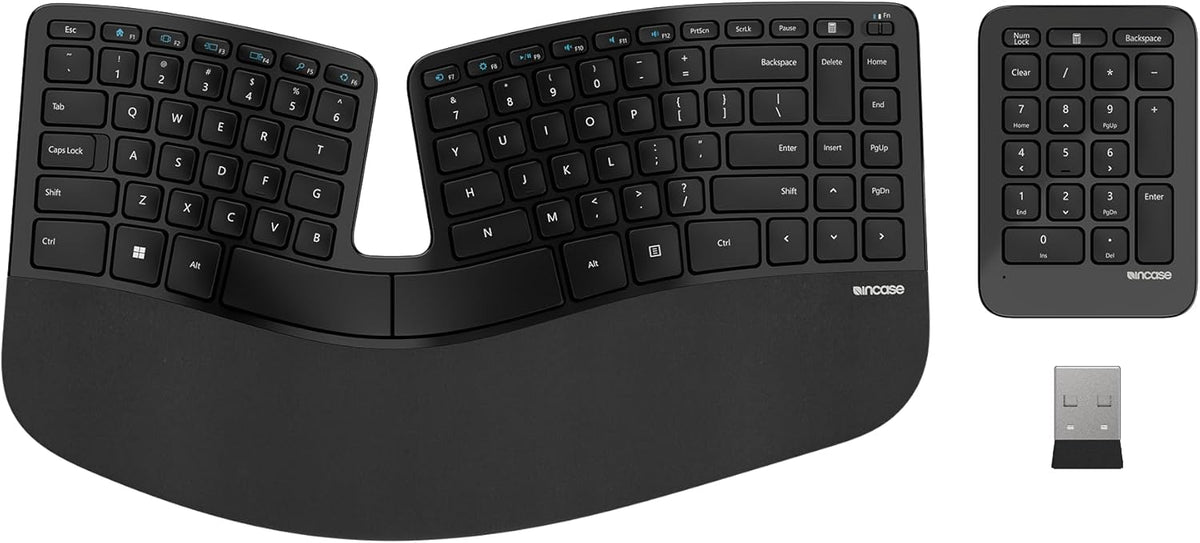
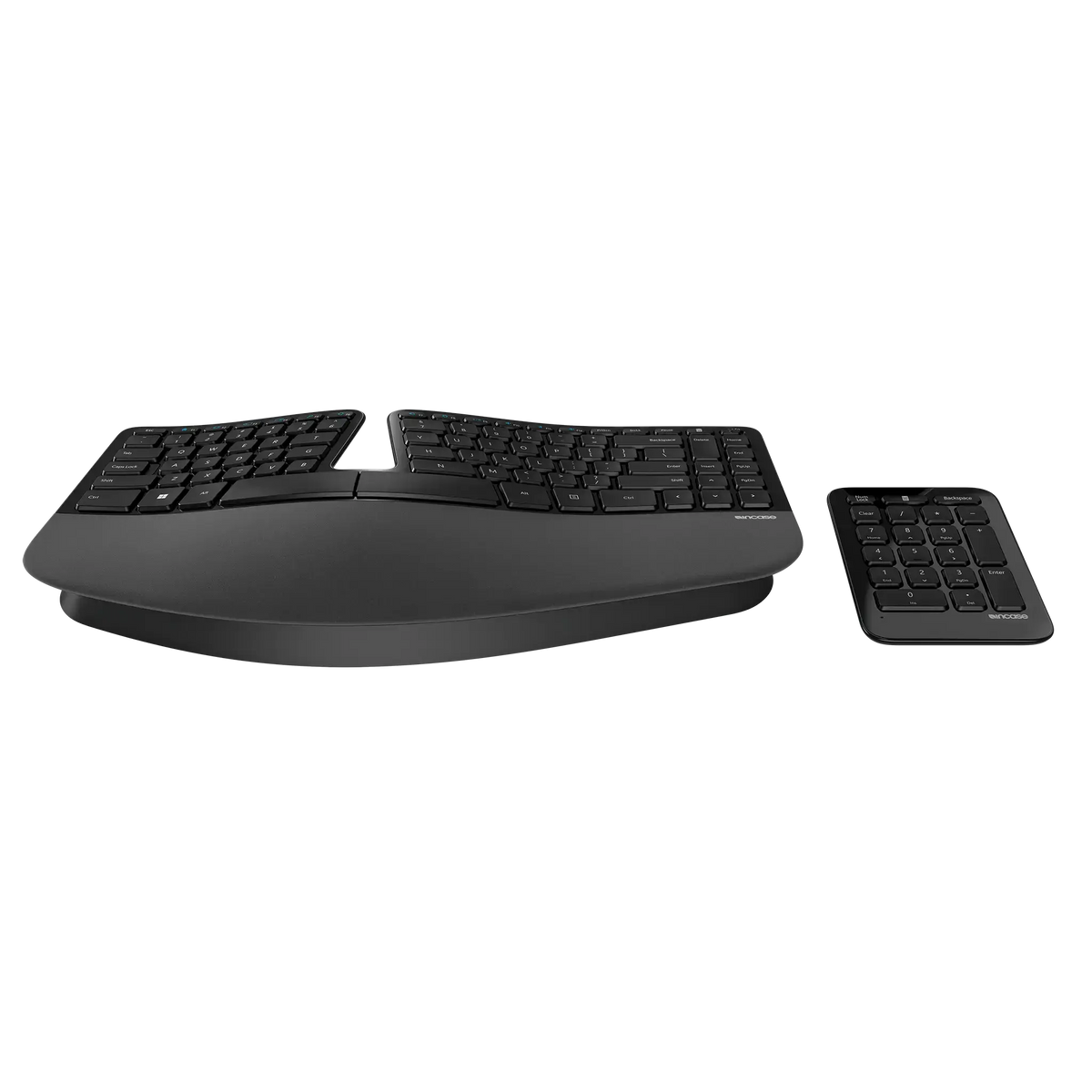
Incase Sculpt Ergonomic Keyboard & Numpad

The famous Microsoft Sculpt design is back. Originally developed by Microsoft and recognised as one of Microsoft's best-selling ergonomic keyboard products, the Sculpt Ergonomic Keyboard has been brought back under the Incase brand. It retains the distinctive ergonomic design that made the original Sculpt so popular, and is officially Designed by Microsoft.
This is not simply a conventional keyboard with a slightly curved shape. The split keyset, domed layout, cushioned palm rest and reverse-tilt design are all intended to change the way your hands, wrists and forearms sit while typing. Having used this style of keyboard, the difference is immediately noticeable compared with a standard flat keyboard. Your hands sit further apart and at a more natural angle, while the curved Natural Arc key layout keeps the keys within a comfortable reach.
The separate wireless number pad is another feature that makes the Sculpt particularly useful from an ergonomic point of view. Rather than permanently attaching the number pad to the right side of the keyboard, you can position it wherever suits the way you work. Keep it close when entering lots of numbers in Excel, move it to the other side of the keyboard, or simply set it aside when you're mainly typing. This gives you more freedom to arrange your workspace around how you actually work.

Ergonomic Benefits:
Supports a More Natural Wrist Position
The Sculpt's split keyset and fixed splay are designed to follow the natural position of your hands, helping reduce the outward wrist bending often required when typing on a conventional straight keyboard. The integrated cushioned palm rest provides support for your hands and wrists, while the removable elevator allows you to raise the rear of the keyboard to create a negative incline. Together, these features encourage a more neutral wrist position, with the adjustable angle allowing you to fine-tune the setup to suit your natural typing posture.
Helps Reduce Over-Reaching
Because the keyboard has a more compact footprint and the number pad is separate, you have much more control over where everything sits on your desk. The number pad can be placed to the left or right of the keyboard, or moved out of the way completely when it isn't needed. This leaves more room to position other frequently used items closer to you and can reduce unnecessary reaching across the desk.
Natural Arc Key Layout
The curved Natural Arc arrangement follows the natural reach of your fingers rather than placing every key along a straight row. This gives each hand a more defined area to work within and makes the layout particularly comfortable once you become familiar with it. For anyone who spends much of the day touch typing, the difference from a conventional flat keyboard is easy to notice.
A Flexible Ergonomic Workspace
One of the biggest advantages of the Sculpt design is that you're not locked into one fixed desk layout. The keyboard, palm rests adjustable lift and separate number pad can all be used together to create a setup that suits your individual working position. Whether you're typing documents, working in spreadsheets or switching between different tasks throughout the day, the layout gives you more flexibility than a traditional keyboard with an integrated number pad.

Specifications:
| Feature | Details |
|---|---|
| Keyboard Layout | Split keyset with domed ergonomic design |
| Key Layout | Natural Arc |
| Palm Rest | Cushioned integrated palm rest |
| Keyboard Angle | Reverse tilt with removable elevator |
| Connectivity | Wireless with USB-A receiver connecting the keyboard and number pad |
| Wireless Range | Up to 10m |
| Number Pad | Separate wireless number pad |
| Battery | 2 × AAA batteries for keyboard, 1 × CR2430 battery for number pad (included) |
| Compatibility | Windows 10, Windows 11, macOS 10.15 and macOS 15 – some functions limited |
| Warranty | One Year |
| Measurements |
Keyboard Height: 68.58mm, Width: 393.70mm, Depth: 228.60mm Numpad: Width: 92.8mm, Length: 132mm |